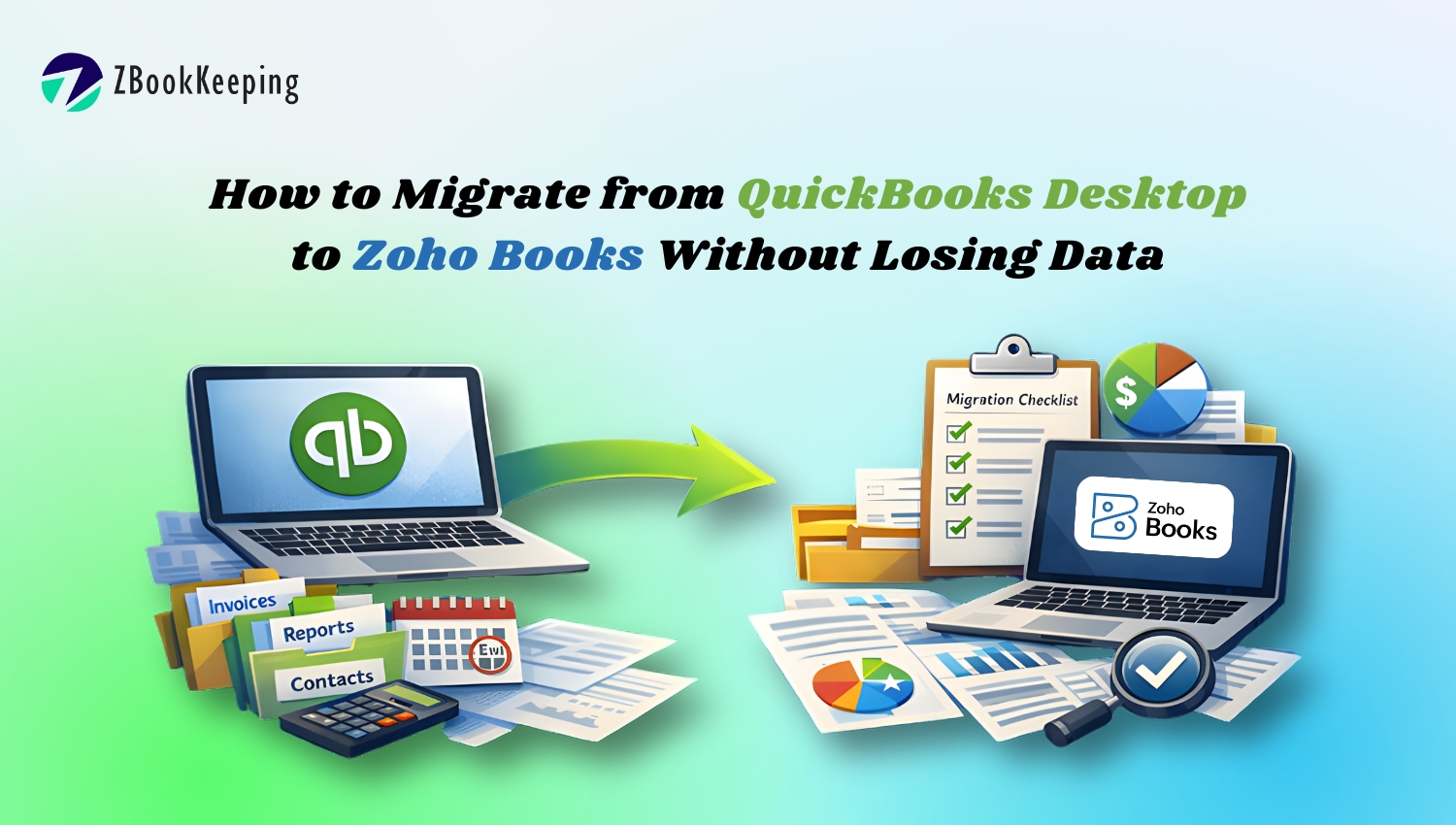
How to Migrate from QuickBooks Desktop to Zoho Books Without Losing Data
If you’re still using QuickBooks Desktop, you’re not alone. Many service-based businesses have relied on it for years simply because it was “good enough.” But as businesses grow, what once felt familiar often becomes frustrating, slow systems, manual work, limited access, and rising costs.
This naturally leads to an important question most business owners eventually ask themselves:
Is there a better way to manage accounting without risking our existing data?
Let’s walk through what a safe, structured migration from QuickBooks Desktop to Zoho Books really looks like, and how to do it without losing history, accuracy, or peace of mind.
Why Businesses Start Questioning QuickBooks Desktop
At some point, QuickBooks Desktop begins to feel restrictive. Business owners notice recurring issues like messy books, heavy manual entries, limited remote access, and difficulty collaborating with CPAs or teams.
That usually leads to a deeper realization:
If accounting feels harder as the business grows, maybe the system isn’t built for where we’re headed.
Zoho Books enters the conversation at this stage, not as a replacement for accounting discipline, but as a modern platform that supports automation, cloud access, and better reporting.
The Biggest Fear: “Will We Lose Our Data?”
This is the most common and valid concern.
Business owners often ask:
- What happens to our transaction history?
- Will our tax records stay intact?
- Will reports still match after migration?
The truth is, data loss only happens when migration is rushed or unstructured. When handled properly, QuickBooks Desktop data can be safely transferred to Zoho Books with accuracy and continuity.
The key isn’t whether you migrate, it’s how you migrate.
Step One: Clean Before You Move
Before any migration begins, the first step is not technical; it’s strategic.
A professional migration always starts with reviewing your existing QuickBooks Desktop file. This includes:
- Identifying duplicate or inactive accounts
- Cleaning uncategorized transactions
- Reviewing opening balances
- Verifying customer, vendor, and tax data
This step often uncovers issues that existed long before the migration conversation started. Many businesses realize their books weren’t as clean as they thought, and migration becomes an opportunity to finally fix that.
Step Two: Decide What Data Truly Matters
NEPQ thinking focuses on clarity before action.
Not every business needs to move everything. The real question becomes:
What data do you need to run your business confidently going forward?
Most migrations include:
- Chart of accounts
- Customers and vendors
- Opening balances
- Outstanding invoices and bills
- Tax settings and payment terms
Historical reports are typically preserved as references, while Zoho Books becomes the active system moving forward. This ensures accuracy without overcomplicating the setup.
Step Three: Structured Migration into Zoho Books
Once data is prepared, Zoho Books allows for structured imports that preserve integrity. When done by experienced professionals, the migration follows a controlled process:
- Accounts are mapped correctly
- Transactions align with the correct periods
- Tax rules are verified
- Reports are cross-checked against QuickBooks
This is where most DIY migrations fail, because one small mismatch can cause reporting issues later. A guided migration ensures the numbers stay consistent and reliable.
Step Four: Reconcile and Validate Everything
After migration, validation is critical.
This step answers questions like:
- Do balances match?
- Are receivables and payables accurate?
- Do reports reflect the same financial position?
Only after reconciliation is complete should Zoho Books become the primary system. This step builds confidence, not just in the software, but in the decision itself.
Step Five: Automate What QuickBooks Couldn’t
This is where businesses start seeing the real difference.
Zoho Books isn’t just a replacement, it’s an upgrade. Automation features allow businesses to:
- Sync bank feeds automatically
- Set recurring invoices
- Automate expense tracking
- Integrate with Zoho CRM, Zoho Expense, and payment gateways
Many business owners realize they were spending hours every month on tasks that no longer require manual effort.
Common Objections, and the Real Answers
We’ve always used QuickBooks.
That’s exactly why the system feels limiting today. Familiarity doesn’t always equal efficiency.
Will this affect our taxes?
No, when done correctly, migration preserves tax data and keeps reporting compliant.
Is Zoho Books hard to learn?
Most users find Zoho Books simpler and more intuitive, especially with proper setup and guidance.
Why Working with a Zoho Authorized Partner Matters
Migration isn’t just a technical task; it’s a financial transition. A Zoho Authorized Partner ensures:
- No data loss
- Clean books post-migration
- Proper automation setup
- CPA-ready reporting
- Ongoing support after go-live
Instead of trial and error, businesses move forward with clarity and confidence.
A Smarter Way Forward
Migrating from QuickBooks Desktop to Zoho Books doesn’t have to be risky or stressful. When done with a clear process, clean data, and expert support, it becomes a turning point, one that replaces manual accounting with clarity, automation, and control.
The real question isn’t whether you should move away from outdated systems.
It’s whether your accounting is ready to support where your business is going next.